
OpenAI Dots: What Always-On AI Agents Mean for Students and Future Software Engineers
AI Summary
Get a quick overview of the key points
Tap Generate Magic to let AI read for you.
As a computer science student, I've watched AI move surprisingly fast.
A few years ago, AI was mostly something we used to generate text or answer questions. Then came AI coding assistants that could write functions, explain errors, and help us build projects.
Now, OpenAI is pushing the idea one step further with Dots — AI agents designed not just to answer you, but to keep working on a task after you walk away.
And as someone learning software engineering today, that's the part that caught my attention.
What Are OpenAI Dots?
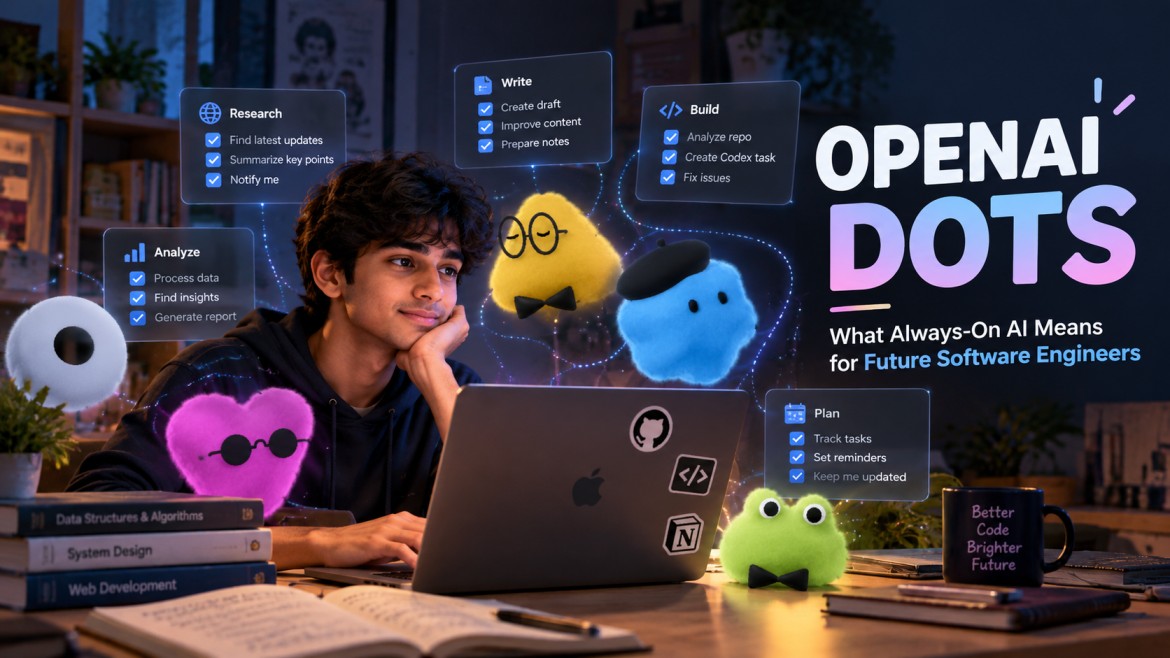
OpenAI Dots are always-on AI agents powered by GPT-6 Astra.
Unlike a normal chatbot, a Dot can be given an ongoing goal. It has access to a cloud computer and browser, can use connected apps, and can continue working in the background.
Think of the difference like this:
ChatGPT:
"Explain this bug."
Dot:
"Investigate this bug, find the likely cause, work on a solution, and let me know when you need my decision."
That's a pretty big change in how we interact with AI.
Why Should Students Care?
If you're currently in college learning programming, you've probably experienced this:
You have an assignment, a project, internship work, DSA practice, interview preparation and probably five other things happening at once.
AI can already help with many of these.
But Dots introduce a different idea:
What if you could delegate an entire workflow instead of asking AI one question at a time?
For example, instead of asking:
"Find some good resources to learn React."
you could potentially give an agent a longer-term responsibility:
"Help me keep track of important React developments and resources that are relevant to the projects I'm building."
That's much closer to having an AI assistant working alongside you.
What About Software Engineers?
This is where Dots become especially interesting.
Imagine you're working on a real application.
Instead of:
text1Find bug
2↓
3Ask AI
4↓
5Copy code
6↓
7Test
8↓
9Fix
10↓
11Repeat
the workflow could eventually look more like:
text1Give Dot a goal
2       ↓
3Analyze the issue
4       ↓
5Research the problem
6       ↓
7Create a coding task
8       ↓
9Codex works on implementation
10       ↓
11Run tests
12       ↓
13Review the result
14       ↓
15Ask engineer for approval
OpenAI says Dots can create and manage Codex tasks, which makes this combination particularly interesting for developers.
The developer isn't necessarily disappearing from the process.
The developer's job starts moving toward defining problems, designing systems, reviewing AI-generated work and making important technical decisions.
Does This Mean AI Will Replace Developers?
I don't think that's the most useful question for students entering software engineering.
A better question is:
What will a software engineer be expected to do when AI can handle more of the implementation?
Knowing syntax will still matter, but understanding why something should be built a certain way becomes even more important.
Things like:
- system design
- architecture
- debugging
- security
- databases
- APIs
- performance
- product thinking
- code review
- understanding trade-offs
become increasingly valuable.
AI can write code.
Someone still needs to know whether that code should exist.
Dots Aren't Perfect
It's also important not to get carried away by the hype.
Agents can still:
- misunderstand requirements
- get stuck on websites
- make incorrect decisions
- encounter authentication problems
- require human approval
So "always-on" doesn't mean "always correct."
The interesting part is that the technology is moving toward AI that can act, not just AI that can respond.
What This Means for Me as a Student
For students currently learning software engineering, I see Dots as another reason to focus on fundamentals.
Don't just learn:
"How do I write this code?"
Also learn:
"How do I design this system?"
"Why is this architecture better?"
"What could go wrong?"
"How do I verify whether the AI's solution is actually correct?"
Because if AI becomes better at writing code, our ability to think like engineers becomes even more important.
The Bigger Picture
We've gone from:
Google → Search
ChatGPT → Answers
AI Copilots → Assistance
AI Agents → Action
Always-on Agents → Ongoing Responsibility
That's why Dots are interesting to me.
As a student preparing to enter the software industry, I don't see this simply as another AI feature.
I see it as a glimpse of the environment in which the next generation of software engineers will work.
The future developer may not spend all day typing code.
They might spend more time designing, directing, reviewing and improving systems built alongside AI agents.
And honestly, that's a future worth preparing for now.