
The Best Web Browsers in 2025 — Which One Deserves Your Click?
AI Summary
Tap Generate and let AI do the magic
Choosing the right web browser today feels a bit like picking your favorite flavor of coffee — there are so many options, and each one promises to be “the fastest” or “the most private.” But as the internet continues to evolve, browsers have become more than just portals to websites — they’re full-blown productivity tools, privacy protectors, and even AI assistants.
So, let’s break down the best browsers in the market in 2025, their strengths, quirks, and which one might be perfect for you.
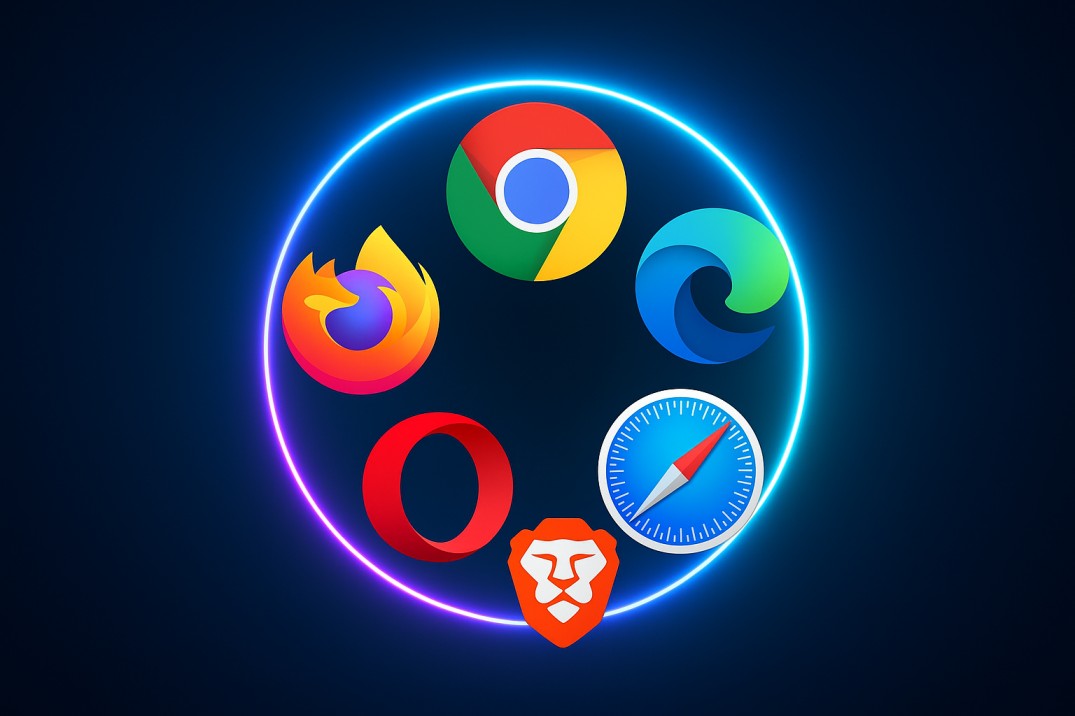
🚀 1. Google Chrome — The Reliable Workhorse
If browsers had a popularity contest, Chrome would still be the reigning champ. It’s fast, familiar, and works seamlessly with almost every website on the internet. With more than 65% market share, it’s basically the default browser for millions.
Why people love it
- Blazing fast and stable
- Syncs perfectly across all devices
- Massive library of extensions
- Google services integration (Drive, Gmail, YouTube, etc.)
But here’s the catch: Chrome can be a RAM-eater, and privacy isn’t its strongest suit — Google’s data-driven ecosystem comes at a cost.
Best for: Anyone who values convenience and compatibility over strict privacy.
🦊 2. Mozilla Firefox — The Privacy Hero
Firefox might not be the flashiest, but it’s the most principled. It’s open-source, runs independently of Big Tech, and consistently doubles down on privacy. Firefox blocks trackers by default, lets you tweak everything from toolbar layout to theme, and gives off that “tech-freedom” vibe.
Why it’s awesome
- Open-source and privacy-focused
- Customizable interface
- Excellent anti-tracking protection
- Great for developers and power users
Downsides: It’s occasionally slower than Chrome-based browsers, and some modern web apps aren’t always optimized for it.
Best for: Privacy enthusiasts and users who want a browser that respects their data.
🪟 3. Microsoft Edge — The Productivity Pro
Remember when everyone used to uninstall Edge the moment they got a new PC? Not anymore. The new Edge, built on Chromium, is sleek, smart, and full of small quality-of-life features — vertical tabs, reading mode, built-in PDF editor, and even AI tools powered by Copilot.
Why people like it
- Smooth performance on Windows
- Built-in AI assistant and productivity tools
- Great battery optimization on laptops
- Supports Chrome extensions
Weak spot: Microsoft sometimes pushes Edge a little too aggressively. And while it’s privacy-friendlier than Chrome, it’s still not in Firefox or Brave territory.
Best for: Windows users and multitaskers who love built-in tools.
🦁 4. Brave — The Privacy Rebel
Brave isn’t just another browser — it’s a statement. It blocks ads and trackers automatically, loads pages lightning fast, and even includes a private browsing mode with Tor built in. Plus, if you’re into crypto, Brave Rewards lets you earn tokens by opting into privacy-respecting ads.
Why it rocks
- Blocks ads and trackers out of the box
- Lightning-fast performance
- Built-in Tor and VPN features
- Earn rewards while browsing
But beware: Some websites don’t always play nicely with Brave’s strict blocking. And the crypto stuff isn’t everyone’s cup of tea.
Best for: Privacy-first users who want total control over their web experience.
🍏 5. Apple Safari — The Mac Loyalist’s Dream
Safari has quietly evolved into one of the most efficient browsers on the planet — if you’re in Apple’s world. It’s optimized for macOS and iOS, meaning you’ll get top-notch battery life and buttery-smooth performance. Plus, Apple’s Intelligent Tracking Prevention is one of the strongest privacy systems around.
Why people use it
- Exceptional performance on Apple devices
- Battery-friendly
- Tight ecosystem integration
- Strong privacy tools
But… It’s not ideal outside Apple’s world, and customization options are limited compared to Chrome or Firefox.
Best for: MacBook, iPhone, and iPad users who value speed and simplicity.
🌠 6. Comet Browser — The New AI Contender
Launched by Perplexity AI, Comet is one of the first true AI browsers. It’s designed to be more than a search tool — it’s an assistant that follows you around the web, helping you summarize articles, research topics, and even automate tasks.
Highlights
- AI built directly into browsing
- Task automation and summarization tools
- Student-focused “Study Mode”
- Modern, clean interface
Downsides: Still new, with some growing pains and a few reported security concerns (like “CometJacking”). Definitely worth watching — but maybe not your main browser yet.
Best for: Early adopters who love testing new AI tools.
💬 7. ChatGPT Atlas (OpenAI’s Browser Vision)
OpenAI has stepped into the browser world too, with ChatGPT Atlas — a browser that merges AI chat and traditional web navigation. Imagine typing “summarize this article” or “find me flights under ₹10,000” right into your address bar — and getting a conversational answer instantly.
Why it’s exciting
- AI assistance baked into browsing
- Live, conversational web search
- ChatGPT integration for context-aware browsing
Still early: Atlas is currently rolling out slowly, so it’s not widely available. But it signals a new direction for how we’ll use browsers in the AI era.
Best for: Users curious about the future of AI-powered browsing.
⚖️ Final Thoughts — Which Browser Should You Use?
| Type of User | Recommended Browser |
|---|---|
| Everyday user who wants “it just works” | Google Chrome |
| Privacy advocate | Firefox or Brave |
| Productivity & Windows power user | Microsoft Edge |
| Apple ecosystem lover | Safari |
| Early AI adopter | Comet or ChatGPT Atlas |
The truth is, there’s no single “best” browser — only the one that best fits your digital lifestyle. Whether you’re a privacy hawk, a multitasking pro, or an AI explorer, there’s something out there for you in 2025.
So go ahead — open that settings menu, hit “Default Browser,” and make the internet yours. 🌍